

Google Data Studio vs Domo: Free Tool vs All-in-One Cloud BI
Google Data Studio (now Looker Studio) is a free visualization tool. Domo is a paid, all-in-one cloud BI platform that bundles ETL, data storage, and dashboards into a single product. They target different budgets and different levels of data complexity.
Note: Google rebranded Data Studio to "Looker Studio" in October 2022.
Key Differences
Feature: Price · Google Data Studio: Free · Domo: Custom (expensive, opaque)
Feature: ETL · Google Data Studio: None · Domo: Magic ETL (built-in, no-code)
Feature: Connectors · Google Data Studio: 1,000+ (some paid) · Domo: 1,000+ (included)
Feature: Data storage · Google Data Studio: No (connects to external sources) · Domo: Yes (built-in cloud warehouse)
Feature: Data blending · Google Data Studio: Max 5 sources · Domo: Unlimited via ETL
Feature: Mobile · Google Data Studio: Responsive web · Domo: Native mobile app
Feature: Governance · Google Data Studio: Basic · Domo: Enterprise (RBAC, PDP policies)
Feature: Alerts · Google Data Studio: Pro only · Domo: Built-in alerting engine
Feature: Learning curve · Google Data Studio: Low · Domo: Medium
When to Use Google Data Studio
- Budget is zero
- Simple marketing dashboards
- Google ecosystem data
- No need for data transformation
- Non-technical users
When to Use Domo
- Need built-in ETL without external pipeline tools
- Multiple departments need unified analytics
- Mobile dashboard access is critical
- Want all connectors included with no extra fees
- Enterprise governance and alerting are required
- Budget supports premium pricing
A Better Alternative: Graphed
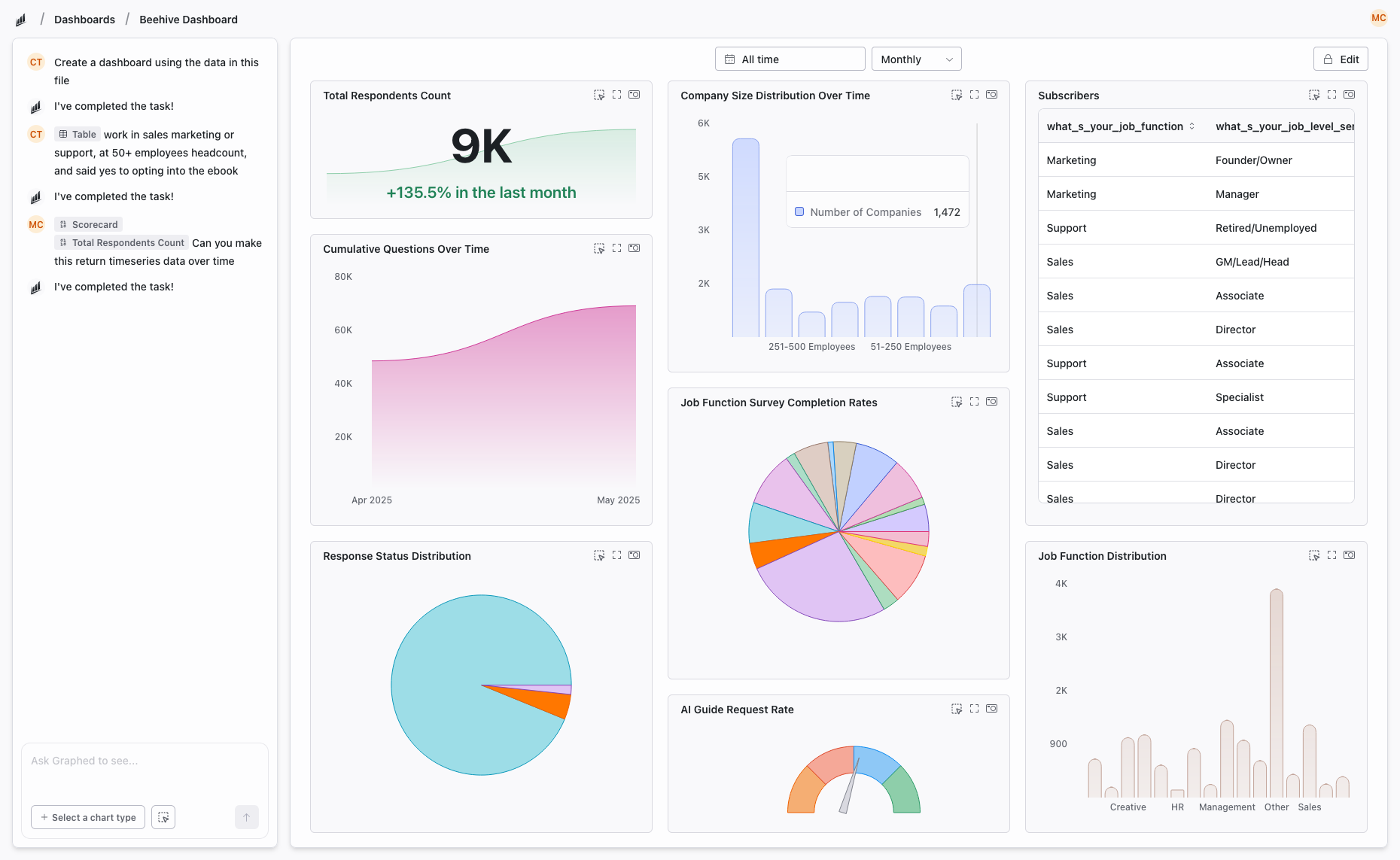
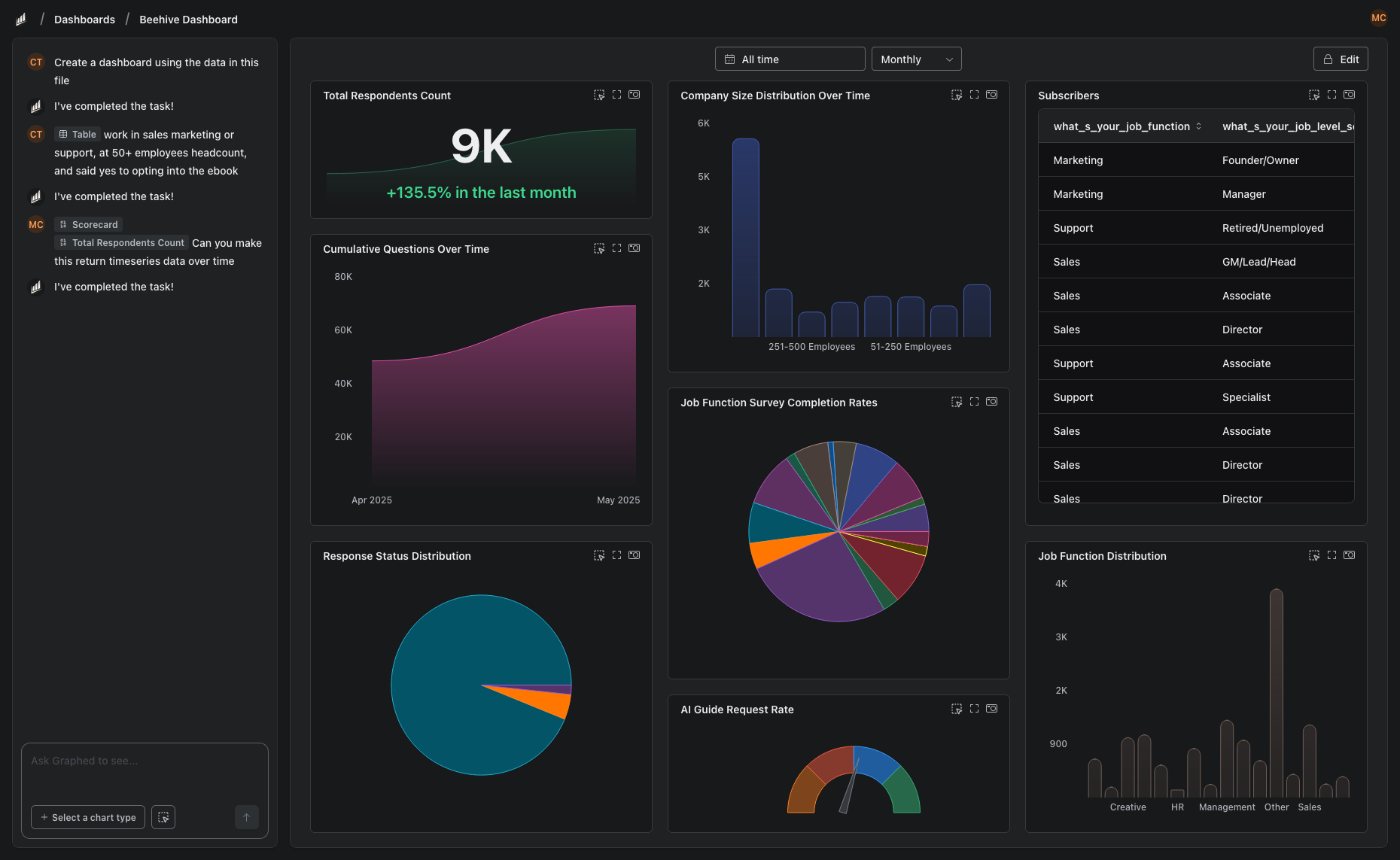
Data Studio is free but lacks ETL. Domo has ETL but is expensive and complex. Graphed connects to 350+ sources, ingests data into its own warehouse, and builds dashboards from natural language — combining ETL, warehousing, and visualization in one AI-powered step. Setup in 15 minutes, first dashboard in 24 hours.
The Bottom Line
Data Studio for free, simple dashboards. Domo for all-in-one BI with built-in ETL. If you need Domo's capabilities without the complexity and enterprise pricing, AI-powered analytics tools offer a middle path.
Related Articles
How to Create a Photo Album in Meta Business Suite
How to create a photo album in Meta Business Suite — step-by-step guide to organizing Facebook and Instagram photos into albums for your business page.
Is Google Analytics and Data Analytics the Same?
Is Google Analytics and data analytics the same? No — Google Analytics is one tool, data analytics is the broader discipline. Here is the difference.
What Database Does Tableau Use?
What database does Tableau use? Tableau connects to 100+ databases — it does not store data itself. Learn how live connections and extracts work.