

Google Data Studio vs Looker: Free Dashboards vs Enterprise BI
Google Data Studio and Looker are both Google products, but they exist at completely different levels of the analytics stack. Data Studio is free and built for quick visual reporting. Looker is an enterprise BI platform with a code-based data modeling language and pricing that starts in the thousands per month.
Note: Google rebranded Data Studio to "Looker Studio" in October 2022 — adding to the confusion. This article compares the original Google Data Studio (now Looker Studio) with Looker Core, the enterprise platform.
Google Data Studio Overview
Free, browser-based dashboard builder with drag-and-drop charts and 1,000+ data connectors. Formerly known as Google Data Studio, now called Looker Studio.
Price: Free. Pro at $9/user/month.
Strengths:
- Free with full functionality
- Native Google connectors (GA4, Ads, Sheets, BigQuery)
- Low learning curve — anyone can build dashboards
- Real-time collaboration
- 1,000+ connectors via partners
Weaknesses:
- No data modeling or semantic layer
- 5-source blending limit
- Basic governance
- Performance issues at scale
- No advanced analytics
Looker Overview
Enterprise BI platform built around LookML — a SQL-based modeling language that creates a single source of truth for metrics across an organization.
Price: Custom, typically $3,000–$5,000+/month.
Strengths:
- LookML semantic layer for centralized, version-controlled metric definitions
- Direct SQL queries to warehouses (BigQuery, Snowflake, Redshift)
- Enterprise governance with row-level security and Git version control
- Embedded analytics with white-label support
- Scheduling, alerting, and action workflows
- Real-time data (no caching or extraction)
Weaknesses:
- Expensive ($3,000+/month)
- Steep learning curve (requires LookML and SQL)
- Requires SQL database as data source
- Months of setup to build LookML models
- Limited visualization variety compared to Tableau
Feature Comparison
Feature: Price · Google Data Studio: Free · Looker: $3,000+/month
Feature: Data Modeling · Google Data Studio: Calculated fields · Looker: LookML semantic layer
Feature: Data Sources · Google Data Studio: 1,000+ (cached) · Looker: 50+ SQL databases (direct query)
Feature: Query Method · Google Data Studio: Extract and cache · Looker: Direct warehouse queries
Feature: Governance · Google Data Studio: Basic (3 roles) · Looker: Enterprise (row-level security, Git)
Feature: Embedded Analytics · Google Data Studio: Basic iframe · Looker: White-label, multi-tenant
Feature: ML/AI · Google Data Studio: None (Gemini on Pro) · Looker: BigQuery ML, Vertex AI
Feature: Setup Time · Google Data Studio: Minutes · Looker: Weeks to months
Feature: Learning Curve · Google Data Studio: Low · Looker: High
Feature: Target User · Google Data Studio: Marketers, business users · Looker: Data engineers, analysts
When to Choose Google Data Studio
- Budget is zero or minimal
- Google ecosystem is your primary data stack
- Non-technical users build the reports
- Simple marketing dashboards and KPI tracking suffice
- You do not have a data team
When to Choose Looker
- You need centralized, governed metric definitions
- Multiple departments must use consistent data
- Your data lives in SQL warehouses
- You have data engineers to write and maintain LookML
- Embedded analytics for customers is a requirement
A Smarter Alternative to Both: Graphed
Data Studio is simple but limited. Looker is powerful but requires a data team and enterprise budget. The gap between them is exactly where most growing companies sit.
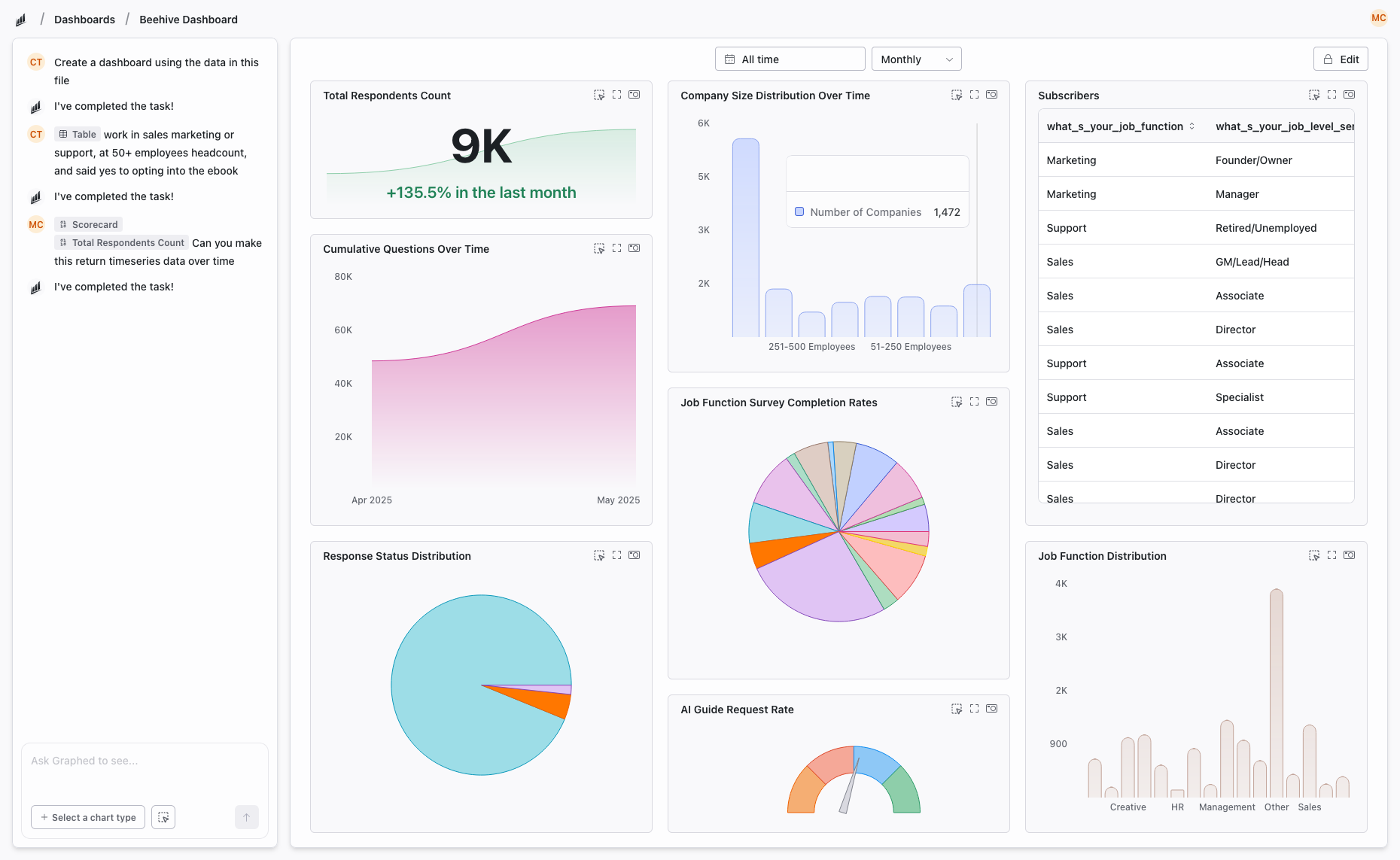
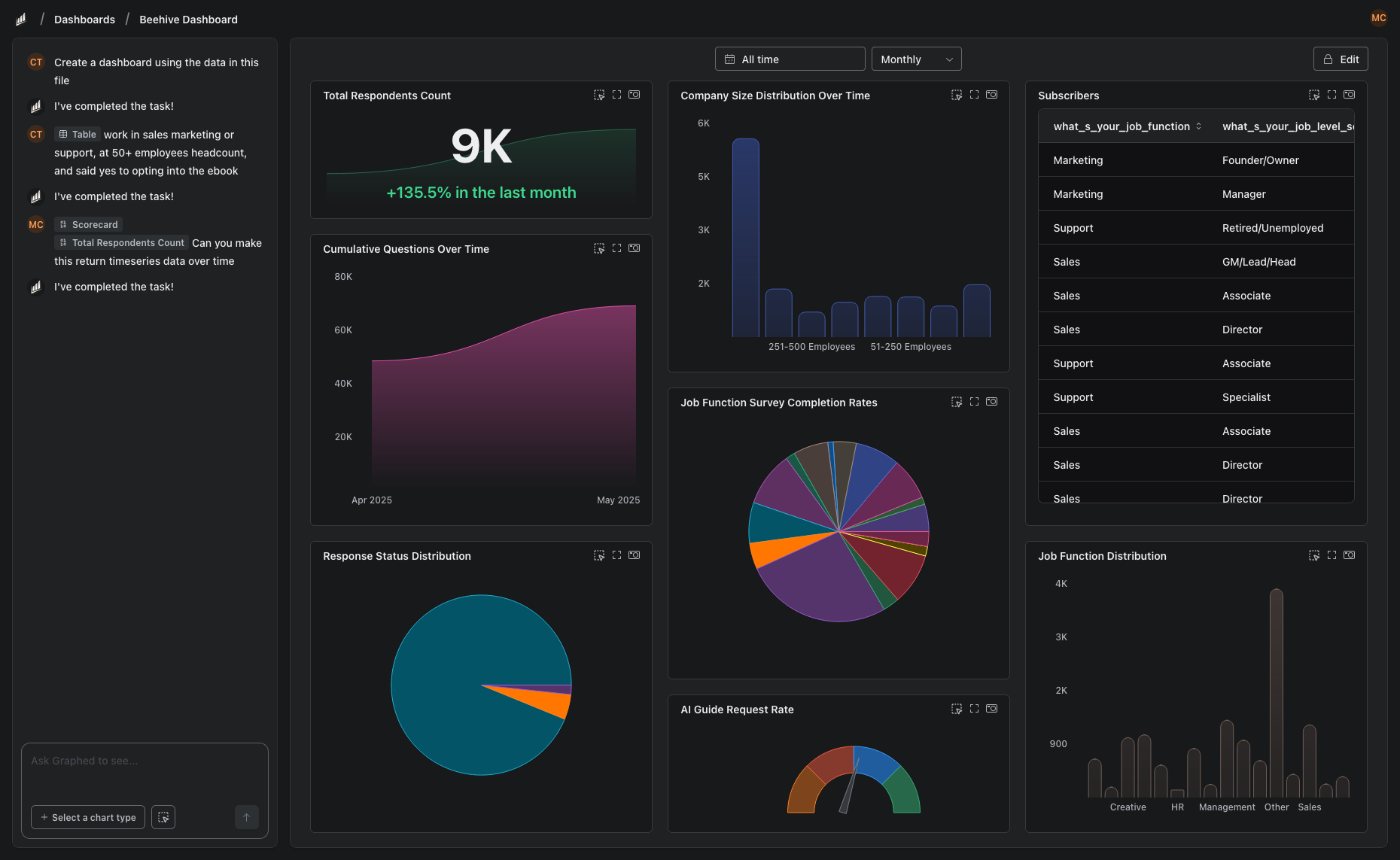
Graphed bridges that gap with AI. It connects to 350+ data sources, understands your data schema, and builds dashboards from natural language. No LookML to write. No drag-and-drop canvas to arrange. Describe what you need, the AI delivers it.
Data syncs hourly. Setup takes 15 minutes. First dashboard in 24 hours. If Data Studio is too basic and Looker is too much, Graphed is purpose-built for the middle ground.
The Bottom Line
Google Data Studio and Looker are not competitors — they serve different levels of data maturity. Data Studio is for quick, free dashboards. Looker is for enterprise-scale governed analytics. Most organizations start with Data Studio and move to Looker (or something else) when they outgrow it. The question is what the right "something else" is for your team.
Related Articles
How to Create a Photo Album in Meta Business Suite
How to create a photo album in Meta Business Suite — step-by-step guide to organizing Facebook and Instagram photos into albums for your business page.
Is Google Analytics and Data Analytics the Same?
Is Google Analytics and data analytics the same? No — Google Analytics is one tool, data analytics is the broader discipline. Here is the difference.
What Database Does Tableau Use?
What database does Tableau use? Tableau connects to 100+ databases — it does not store data itself. Learn how live connections and extracts work.